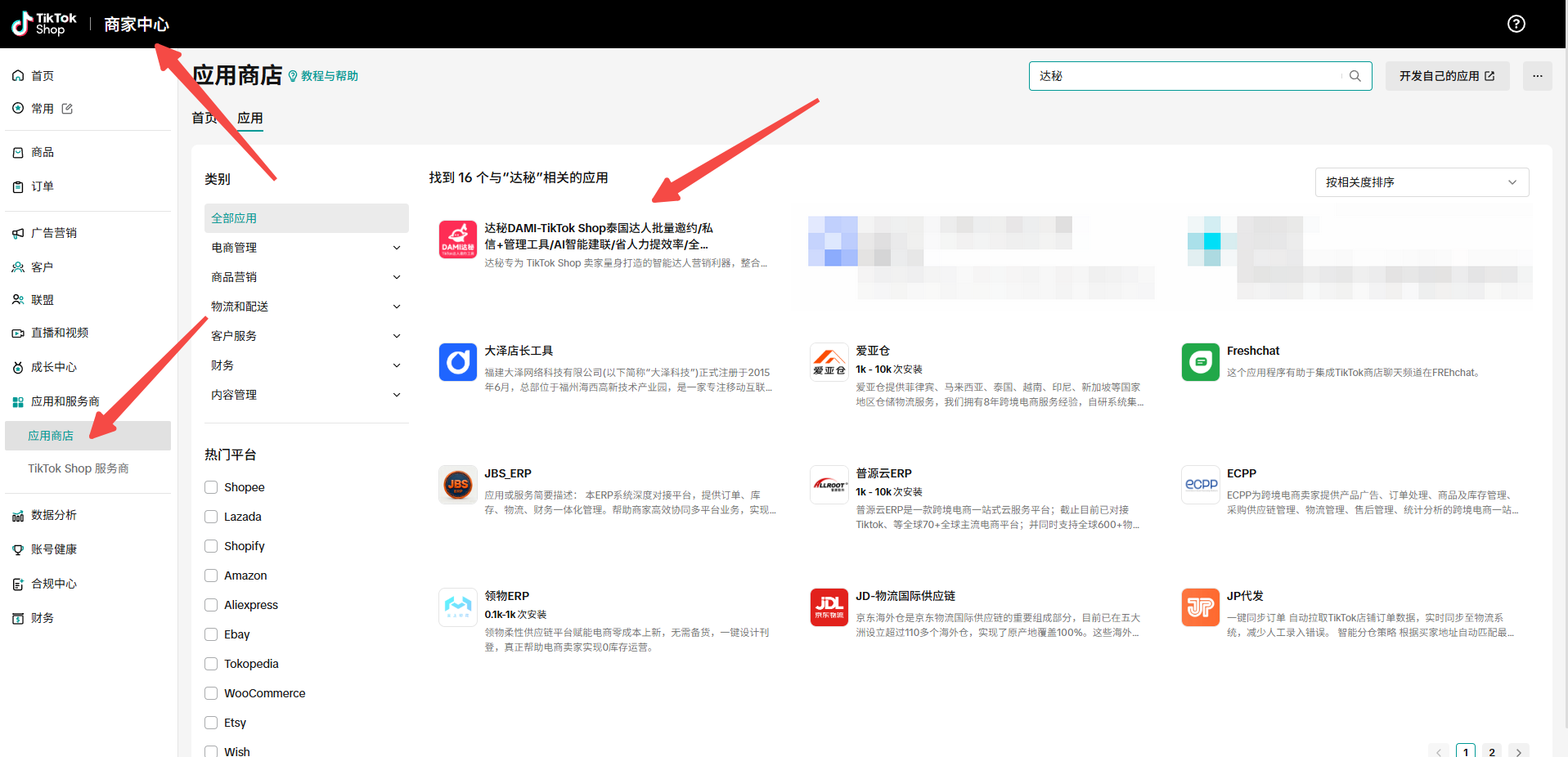
When a seller chooses to send creator outreach through their own mailbox, mailbox setup becomes part of the campaign workflow. This guide shows how we prepare Outlook webmail settings before connecting an email account to DAMI email outreach.
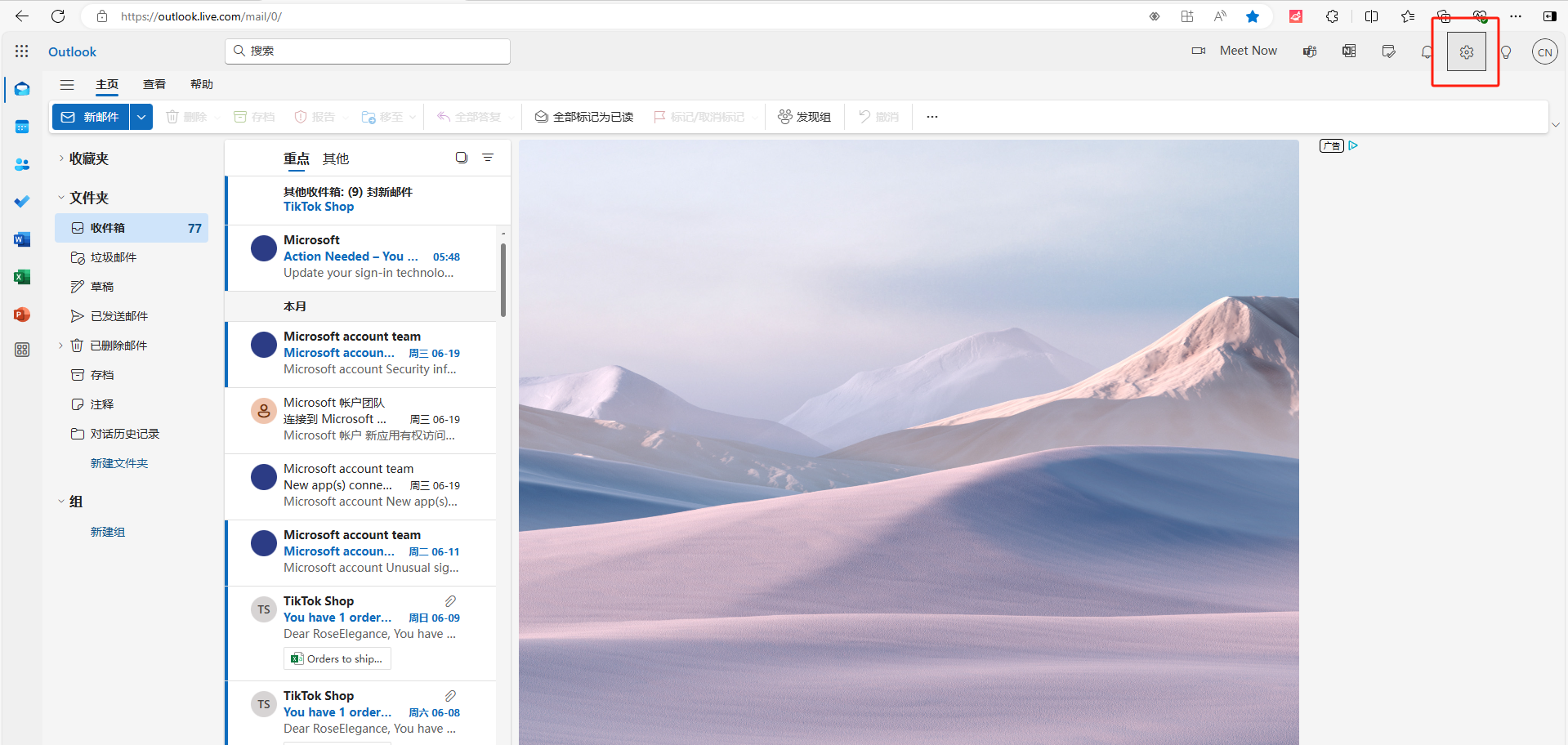
Open Outlook settings
Start from Outlook webmail and open Settings. Microsoft changes interface labels from time to time, so use the screenshot as a navigation reference and search for Forwarding or IMAP if the menu position differs.
Find Forwarding and IMAP
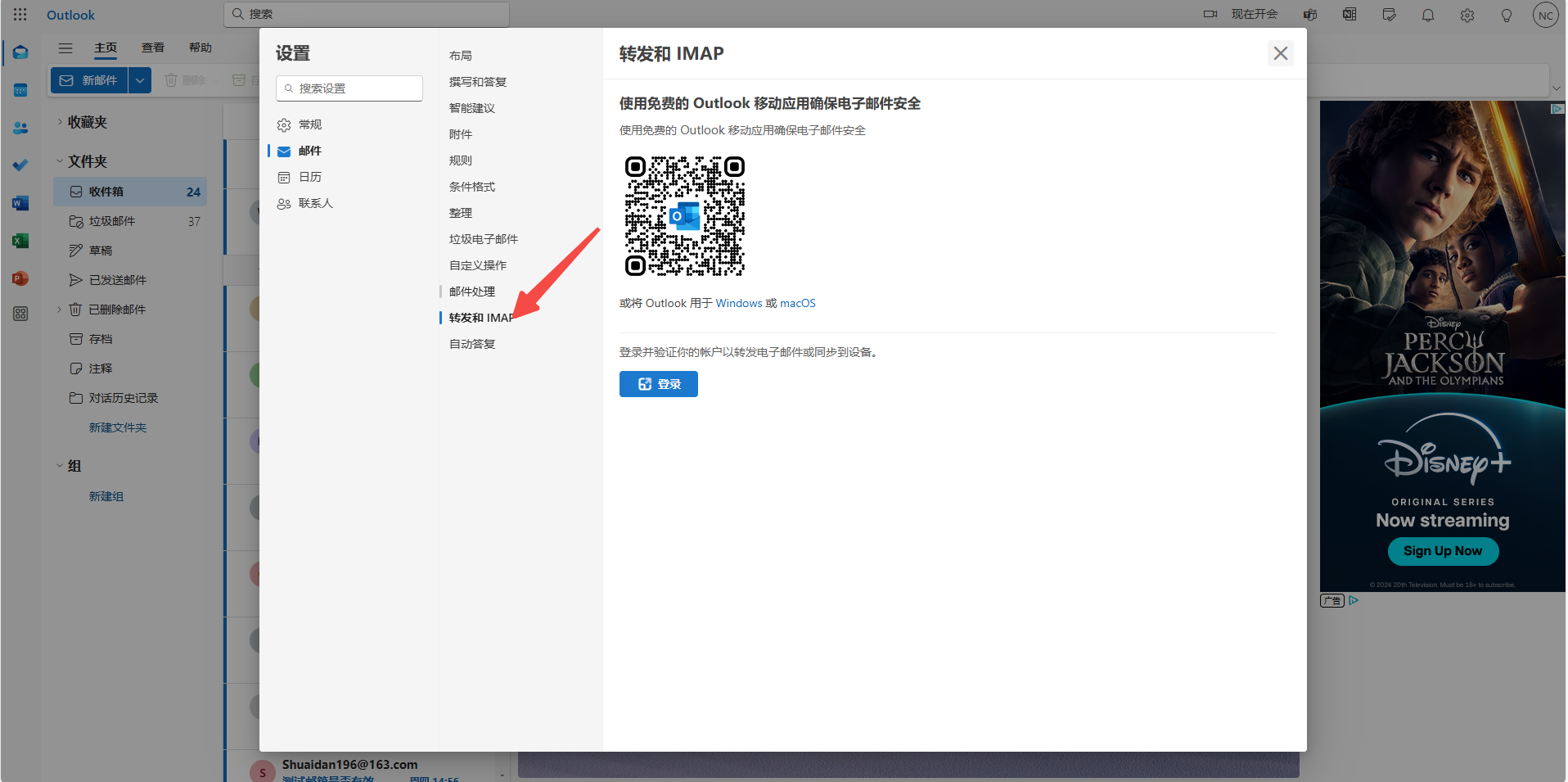
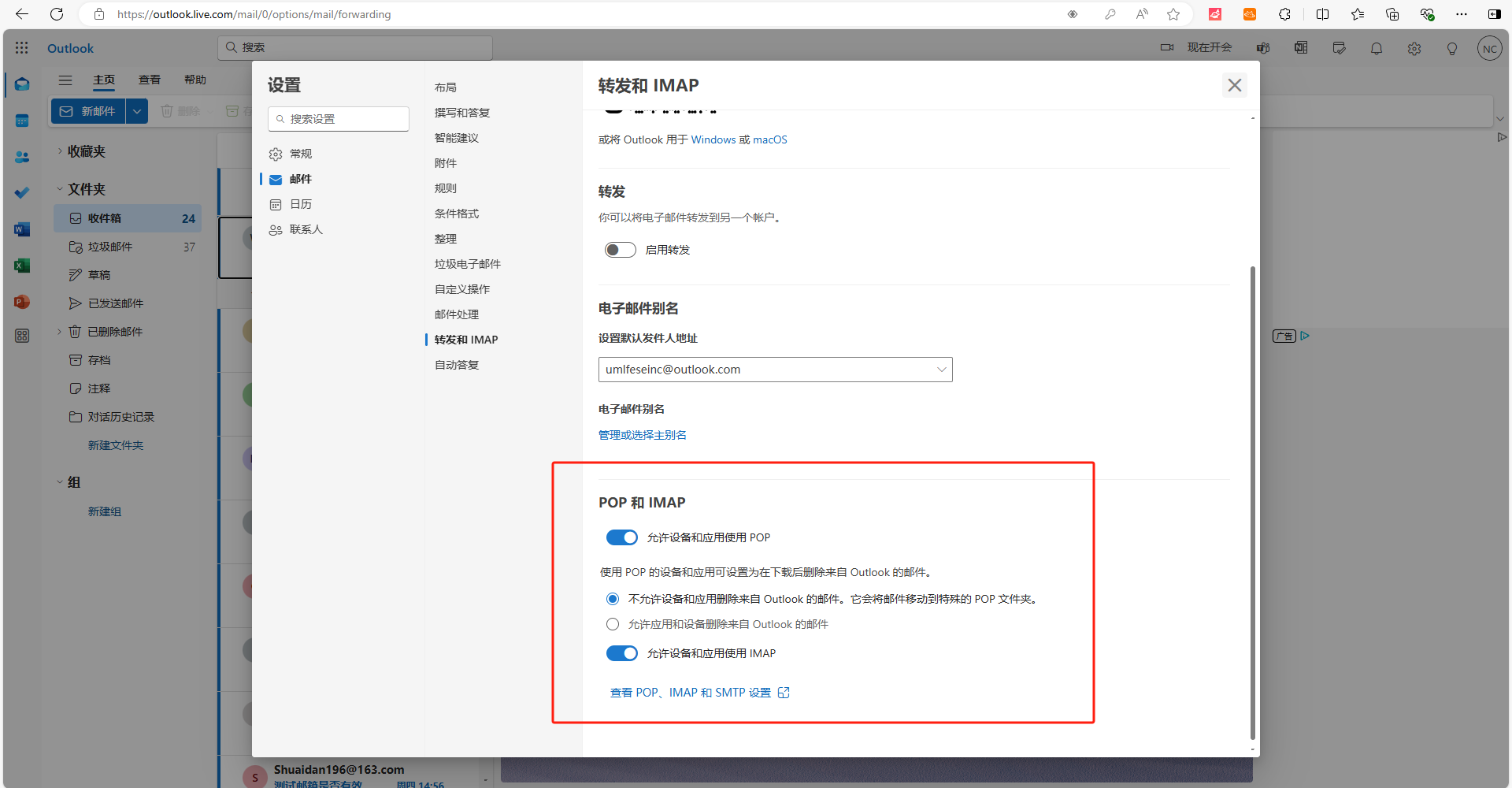
Review POP and IMAP options and confirm whether external applications are allowed. In many mailbox workflows, IMAP helps synchronize mail and SMTP handles sending, but the exact security requirement depends on the mailbox provider and account status.
Check account profile and security
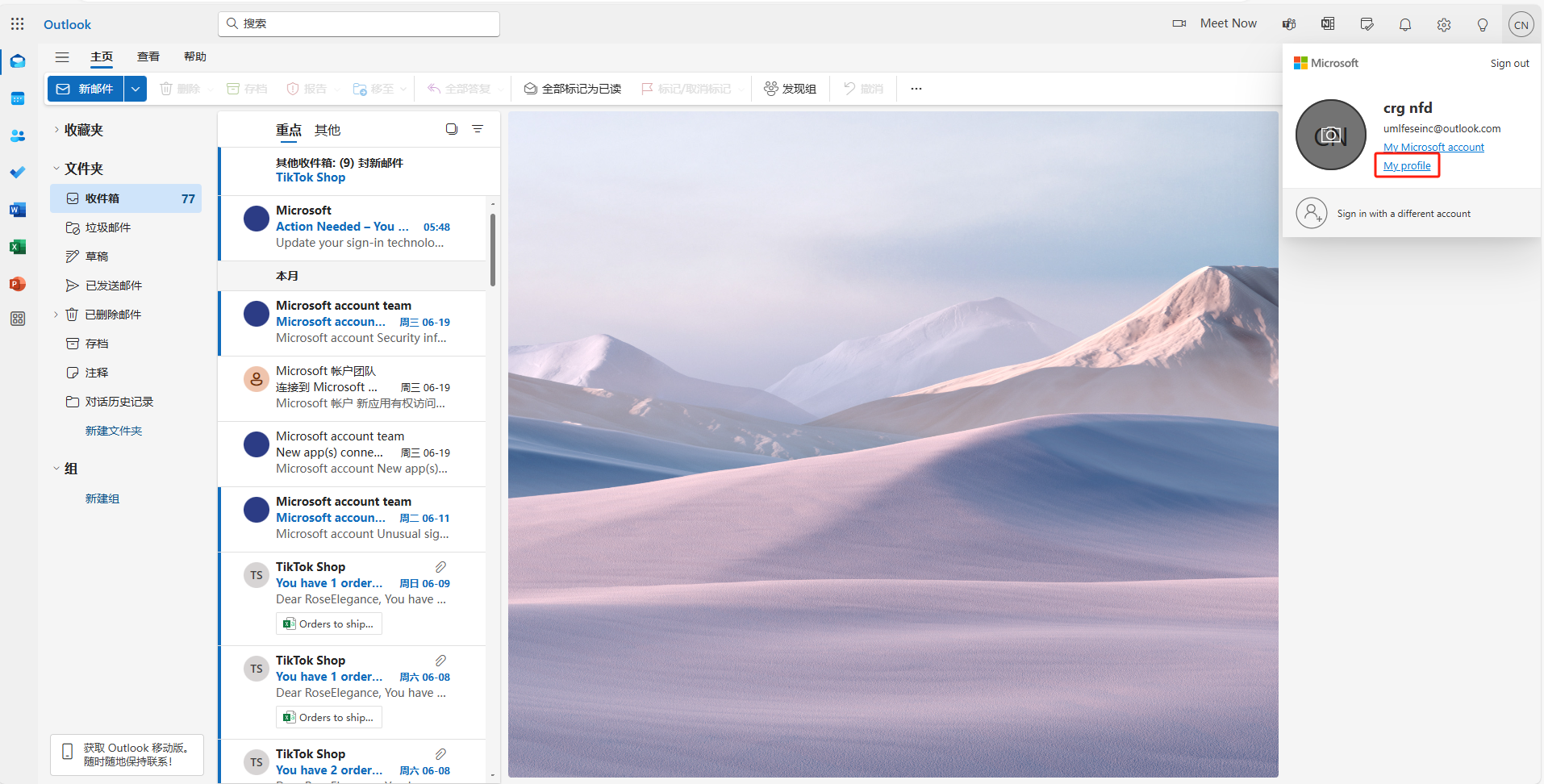
Some mailboxes require additional verification, app passwords, or account security review. We recommend completing this before connecting a mailbox to any outreach workflow, otherwise sending tasks may fail later.
Operate email outreach responsibly
Email deliverability depends on sender reputation, message quality, and recipient relevance. Keep subject lines accurate, avoid exaggerated claims, and segment creator lists before sending.
FAQ
Is this guide for Gmail?
No. The screenshots here show Outlook webmail settings.
Should mailbox credentials be shared in campaign documents?
No. Keep mailbox credentials and authorization records private.
Keep building with DAMI
We publish these guides to help TikTok Shop sellers run creator outreach with clearer steps, cleaner tracking, and fewer disconnected spreadsheets.