Creator live stream clips turn one hour of live content into ten selling videos, but only if you have a clipping plan. This article explains why live clips convert and how to build a repeatable workflow around creator live stream clips.
Live Content Is Short-Form Gold You Are Throwing Away
A creator goes live for an hour, demonstrates your product, answers questions, and closes sales in real time. When the stream ends, the content dies with it. Most sellers never touch that hour again, even though it contains the most persuasive footage a creator will ever produce for your product.
Creator live stream clips turn one live session into a batch of short selling videos. This article explains how to clip, edit, and distribute live content so every hour of live earns long after the stream.
Clipping works best when you keep momentum after content goes live. See our advice on post-viral creator content.
Why Live Clips Convert
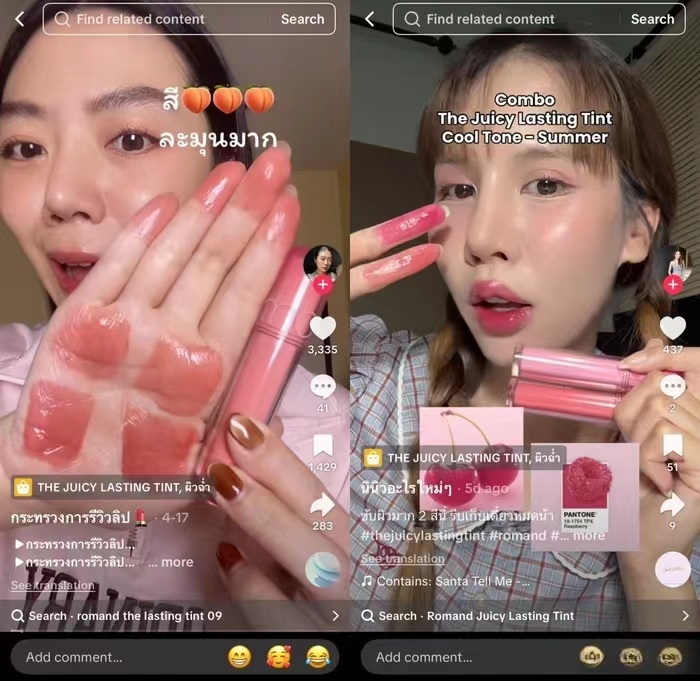
Live content is unscripted, which is exactly why it converts. The creator’s real reactions, real answers, and real-time product handling carry authenticity that polished ads lack. A clip of a creator holding the product and answering a buyer’s question is social proof in its rawest form.
Live clips also recycle performance: the moments that got engagement during the stream, the questions that repeated, and the demonstrations that paused the chat are the hooks that will hold short-form viewers too.
| Clip type | What it captures | Best placement |
|---|---|---|
| Demo moment | Product shown and used | Listing main video |
| Q&A answer | Real objection handling | Listing, ad |
| Reaction beat | Creator’s genuine response | Organic posts |
| Sale push | Offer announced live | Spark Ads |
Capture With a Clipping Plan, Not Hope
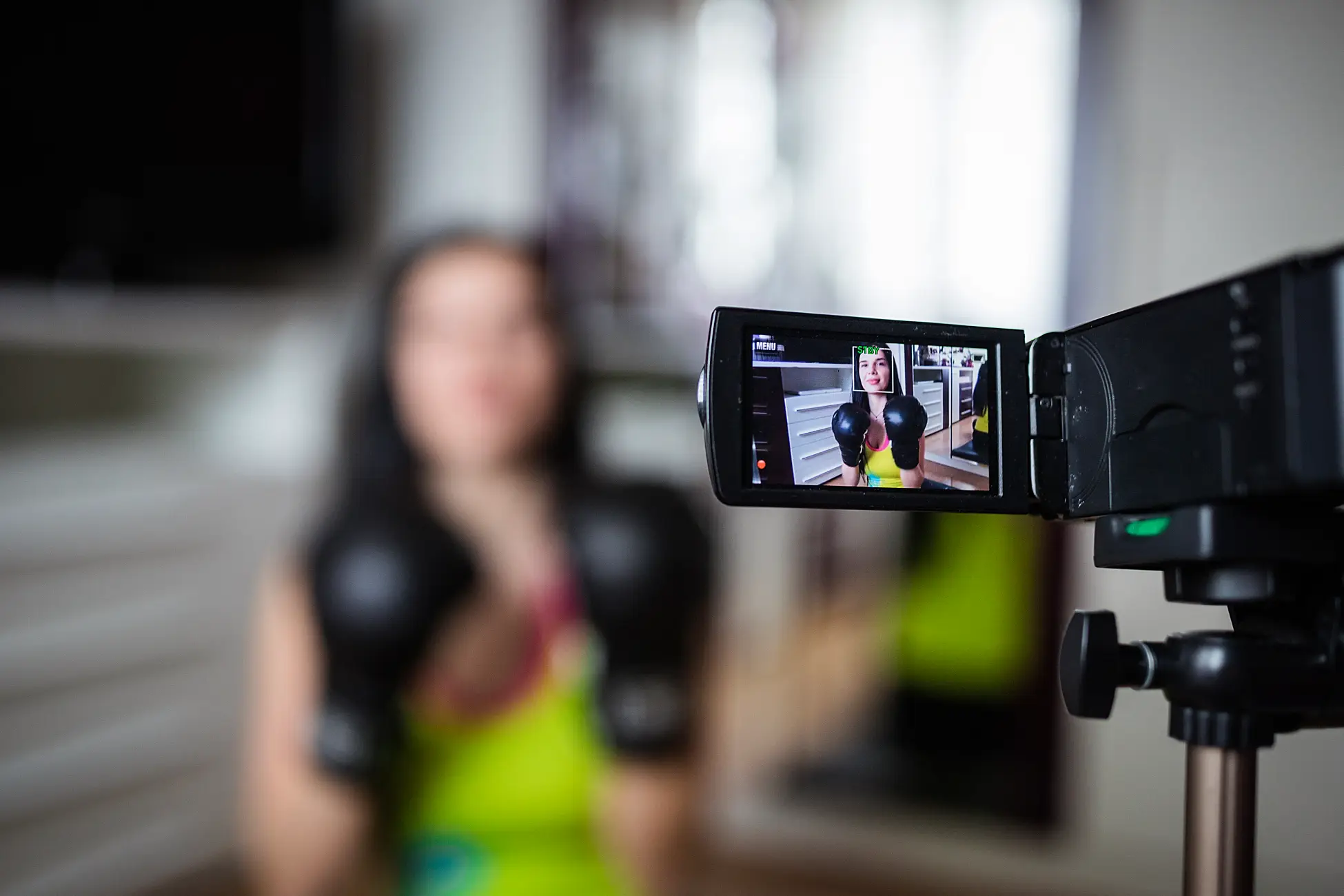
Do not wait until after the stream to figure out what to clip. Before the live, list the moments you want: product demo, three buyer questions, the offer announcement, and the creator’s honest reaction. During the stream, mark those timestamps so the clipping is fast afterward.
If you cannot watch live, set the stream to save and review the replay the same day. The longer you wait, the less likely the clips get made.
Clip Rules That Keep the Momentum
Clips should be short and self-contained: 15-30 seconds for social, up to 60 seconds for a listing. Each clip needs one clear moment: a demo, an answer, or a reaction. Cut on action, keep the creator’s energy, and add a caption that states the payoff in the first line.
Keep the original aspect ratio where possible. Vertical footage stays vertical; cropping to fit other formats cuts the creator’s frame and weakens the clip.
| Format | Length | Content focus |
|---|---|---|
| TikTok organic | 15-30 sec | Single moment, hook first |
| Listing video | 30-60 sec | Demo plus key benefit |
| Ad | 5-15 sec | Hook, product, CTA |
Rights and Permissions for Live Clips
Before you clip and republish, confirm the rights in the collaboration agreement. Some creators allow clips of their live for the listing; others restrict reuse. If the rights are not agreed, ask explicitly and record the answer.
When you publish a clip, credit the creator. It keeps the relationship healthy and makes future collaborations easier to negotiate.
Make Clipping a Repeatable Workflow
One clip session produces content once. A workflow produces it every stream: clip within 24 hours, batch-edit with a template, distribute to listing and social, and track which clips perform. After a few streams, you know which moments convert and can ask creators to repeat them.
Dami helps sellers quickly generate and publish product video content, and the same creator management workflow can track live sessions, clips, and their usage rights in one place.
Questions Sellers Ask
Do I need permission to clip a creator’s live stream?
Yes. Confirm clip and reuse rights in the agreement or ask explicitly. Rights for live clips are not automatic.
How many clips should I make from one live?
Start with five to ten from an hour-long stream: one demo, two or three Q&A answers, a reaction, and the offer moment. Scale up once you see what converts.
Can live clips be used in paid ads?
Only if the rights allow ad use. Organic reuse and ad reuse are different rights, so check the agreement before spending ad budget on a clip.
Conclusion
Creator live stream clips convert because live content is real. Plan the moments, clip within 24 hours, keep clips short and focused, confirm rights, and turn clipping into a repeatable workflow. Every hour of live then becomes a small library of selling videos.