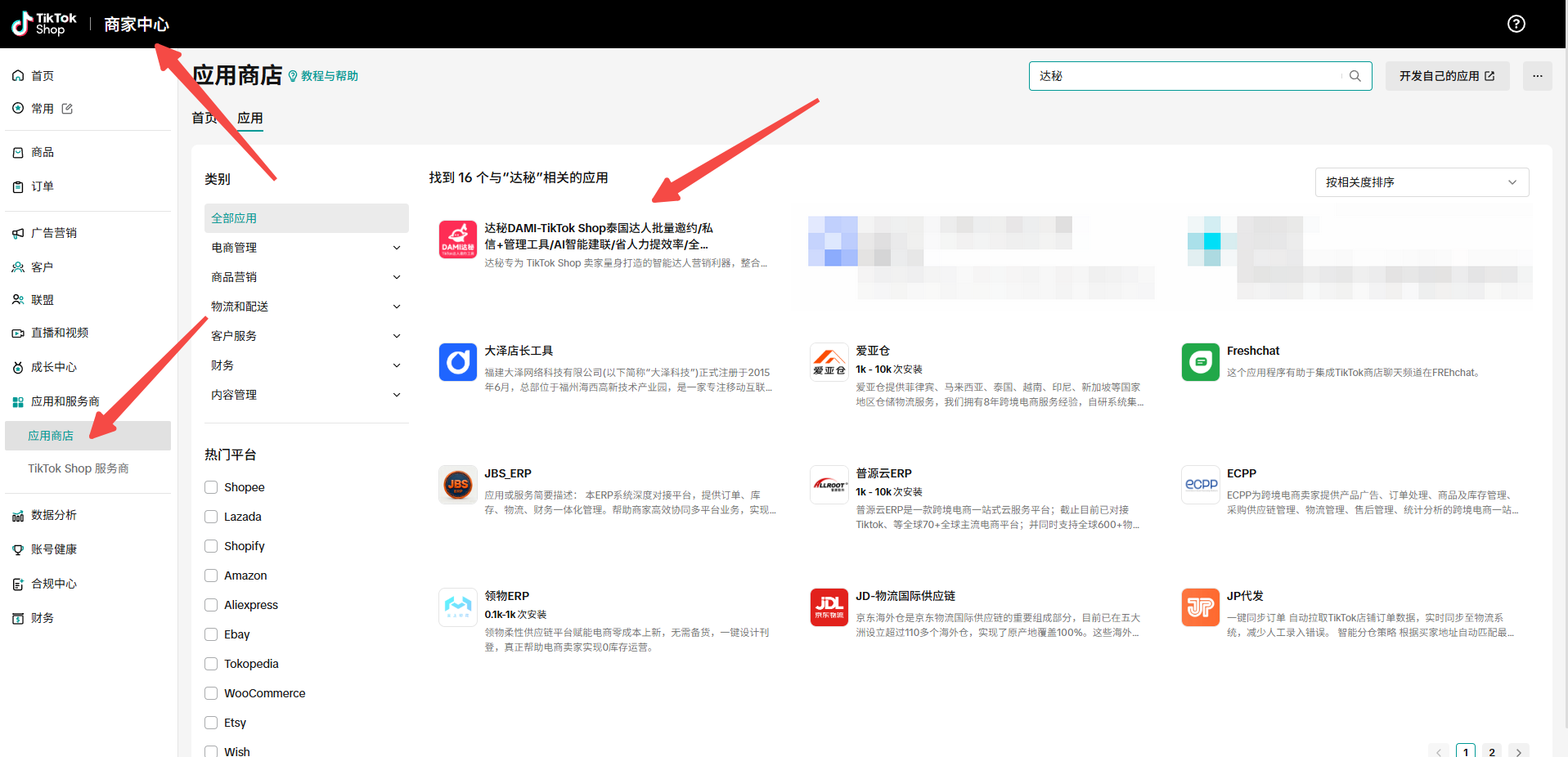
Once outreach starts, creator management becomes the difference between a one-off campaign and a scalable creator operation. In DAMI, we use creator records, tags, libraries, and blacklists to keep outreach history and next actions visible to the team.
Use My Creator Library as a reusable asset
Creators can be added into the internal creator library from Creator Square, Outreach Management, and Store Creator Management. We use this library to avoid losing promising creators after one campaign ends.
Create tags that reflect operations
Group creators by category, market, or product line.
Track contacted, replied, interested, not fit, or retry later.
Mark requested, approved, shipped, received, and completed.
Separate creators who drive content, sales, or repeat collaboration.
Use blacklists carefully
Blacklists are useful when a creator should not receive new campaigns from a store. We recommend using them for clear operational reasons such as poor fit, repeated non-response after a defined cadence, or previous collaboration issues.
Review creator records before new campaigns
Before launching a new invitation, DM, or email campaign, review creator history. Recontacting the wrong creator with the same message wastes quota and weakens brand perception.
FAQ
Where do creators enter the DAMI library from?
Creators can be added from Creator Square, Outreach Management, and Store Creator Management.
Should every non-reply become a blacklist entry?
No. Use blacklist only when the creator should not be contacted again for a clear reason.
Keep building with DAMI
We publish these guides to help TikTok Shop sellers run creator outreach with clearer steps, cleaner tracking, and fewer disconnected spreadsheets.