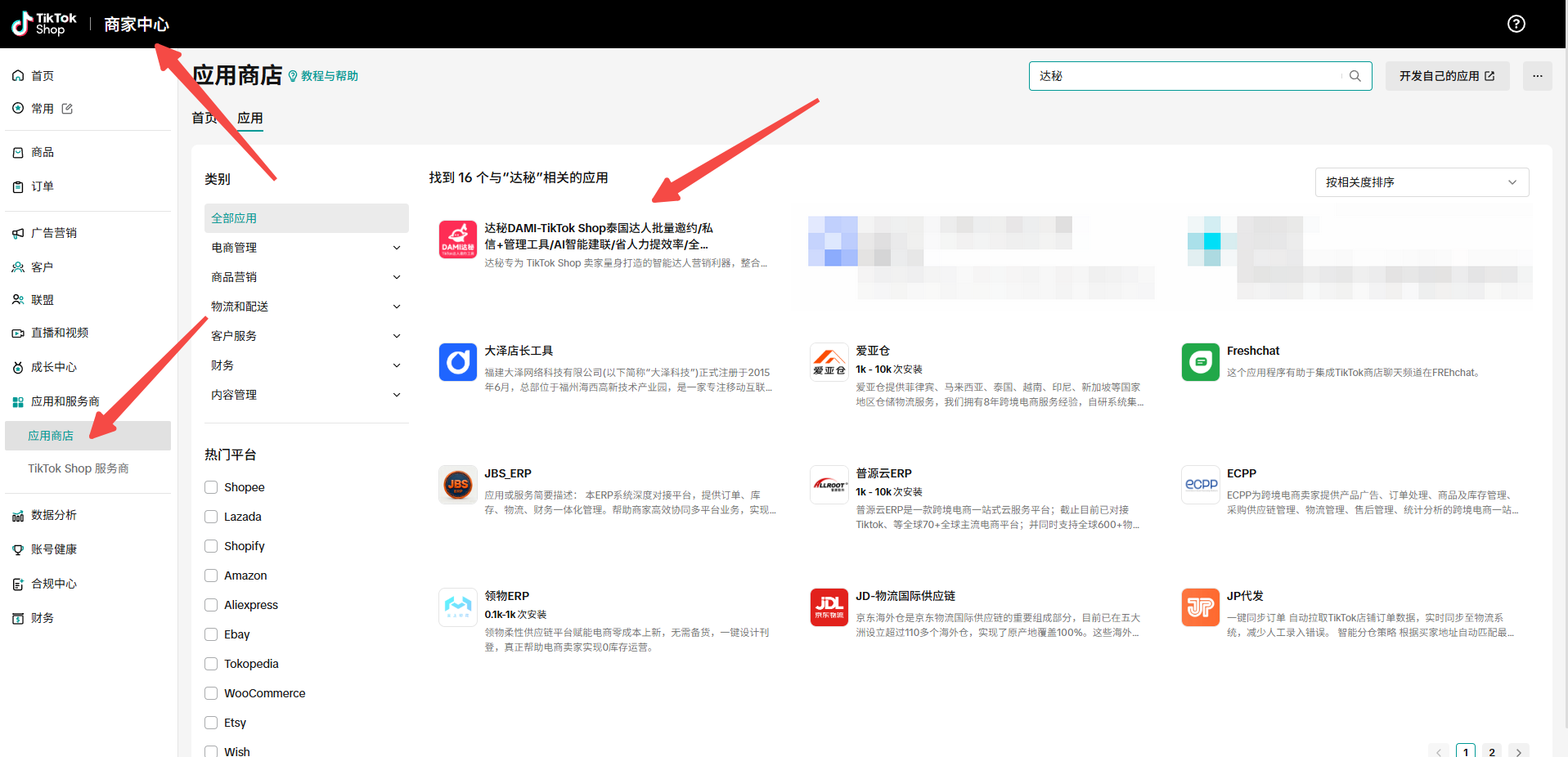
Batch invitations should not feel like blind mass sending. In DAMI, we treat invitations as a controlled campaign step: define the target, select creators, choose the right mode, launch the task, and review both successful and failed creators afterward.
Set invitation rules before selecting creators
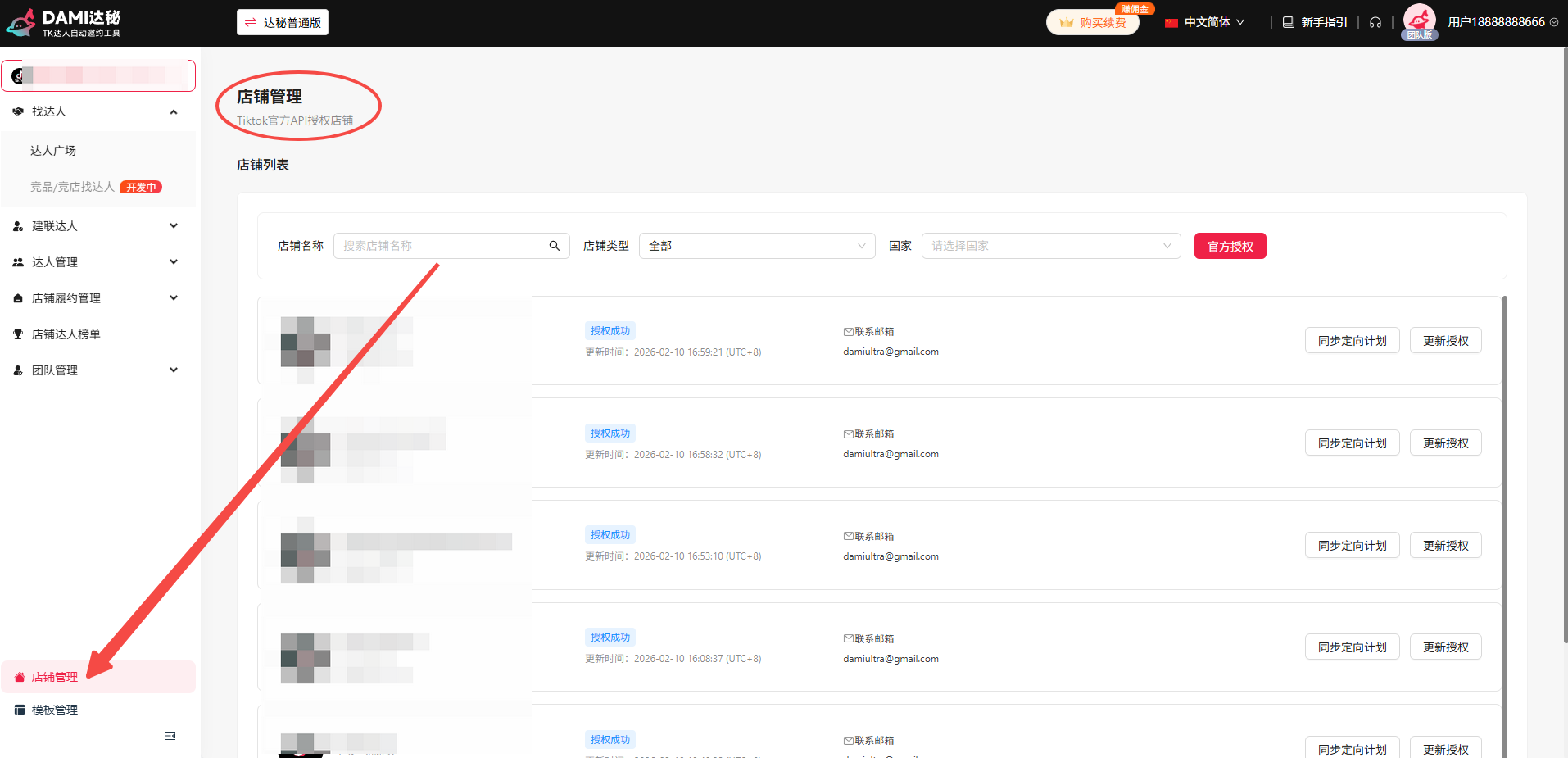
We start by confirming the store, product, commission, sample rule, and creator segment. Invitations work better when the campaign is already specific. If the store was recently connected, sync targeting plans before building the invitation task.
Choose the right DAMI invitation mode
Use this when you want DAMI to filter blacklists and overlapping product-task conditions through supported logic.
Use this when the team has a target quantity and wants DAMI to fill the creator pool automatically.
Use this when the team already has a defined creator list and wants to invite by creator name.
Use exports or retry flows for creators that failed or were not recognized in the first pass.
Review invitation quality, not just volume
After the task runs, look at successful creators, failed creators, and failure reasons. We use this review to improve future segments, remove unsuitable creators, and decide whether a retry task is worth running.
Turn successful campaigns into repeatable playbooks
When a campaign works, save the creator filters, outreach template, product positioning, and follow-up timing. This is how a one-time invitation task becomes a repeatable creator acquisition playbook.
FAQ
When should I use auto-match mode?
Use auto-match when the campaign target is clear and DAMI can fill the creator pool based on the configured logic.
What should I do with failed creators?
Export or review failed creators, then decide whether to retry, switch mode, or remove them from the campaign.
Keep building with DAMI
We publish these guides to help TikTok Shop sellers run creator outreach with clearer steps, cleaner tracking, and fewer disconnected spreadsheets.